Pune Cab Booking App: Airport, Intercity and Local Rental Trips
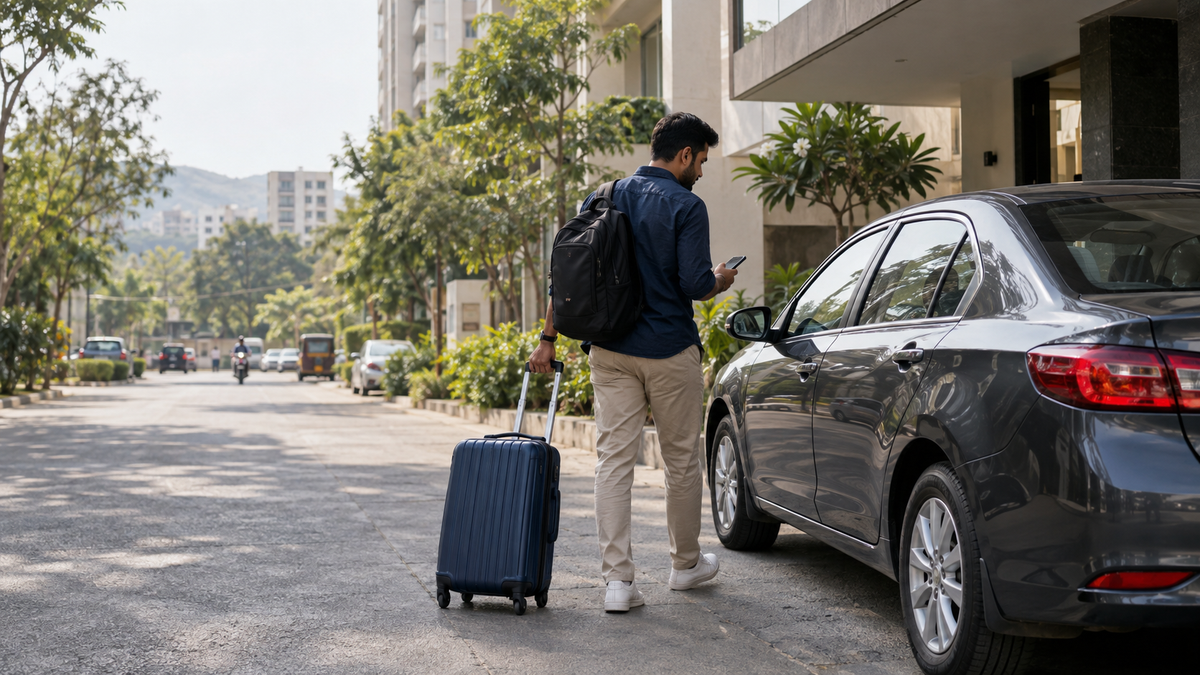
Use the Kynzora App to submit Pune airport, intercity and local rental trips from a phone or computer browser, then keep confirmed bookings in one place.
✦ Key Takeaways
- ✓Kynzora accepts one-way, round-trip, airport transfer and local rental booking requests.
- ✓The app works in a browser on a phone or computer; installation is not required.
- ✓Signing in keeps confirmed bookings together under My trips.
A cab booking app is most useful when it removes a small bit of confusion from a busy day. You should be able to say whether the trip is an airport transfer, an intercity ride or a local rental, add a usable pickup point, and keep the booking details somewhere you can find again. That is the role Kynzora is designed to play.
Choose the trip type before you start
Use a one-way trip for a single intercity drop, a round trip when the same cab will return with you, an airport transfer for travel to or from the terminal, and a local rental for planned city use. Starting with the right trip type makes the rest of the booking clearer for both the traveller and the booking team.
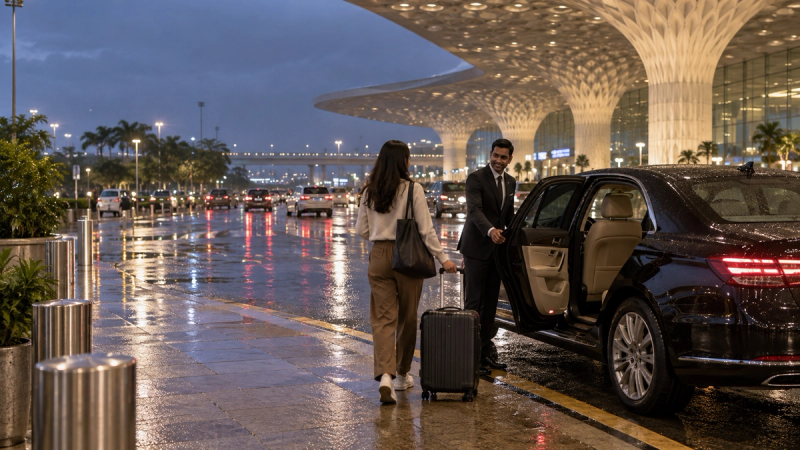
For the flagship intercity journey, see the Pune to Mumbai route. For a Mumbai Airport pickup, use the airport trip option and include flight details.
What to enter in the booking form
- The exact pickup point and a nearby landmark.
- The final drop point, not just the suburb or city.
- Travel date and preferred departure time.
- Passenger count, luggage details and vehicle preference.
- Flight number and terminal when the trip begins or ends at an airport.
Use Kynzora in a browser
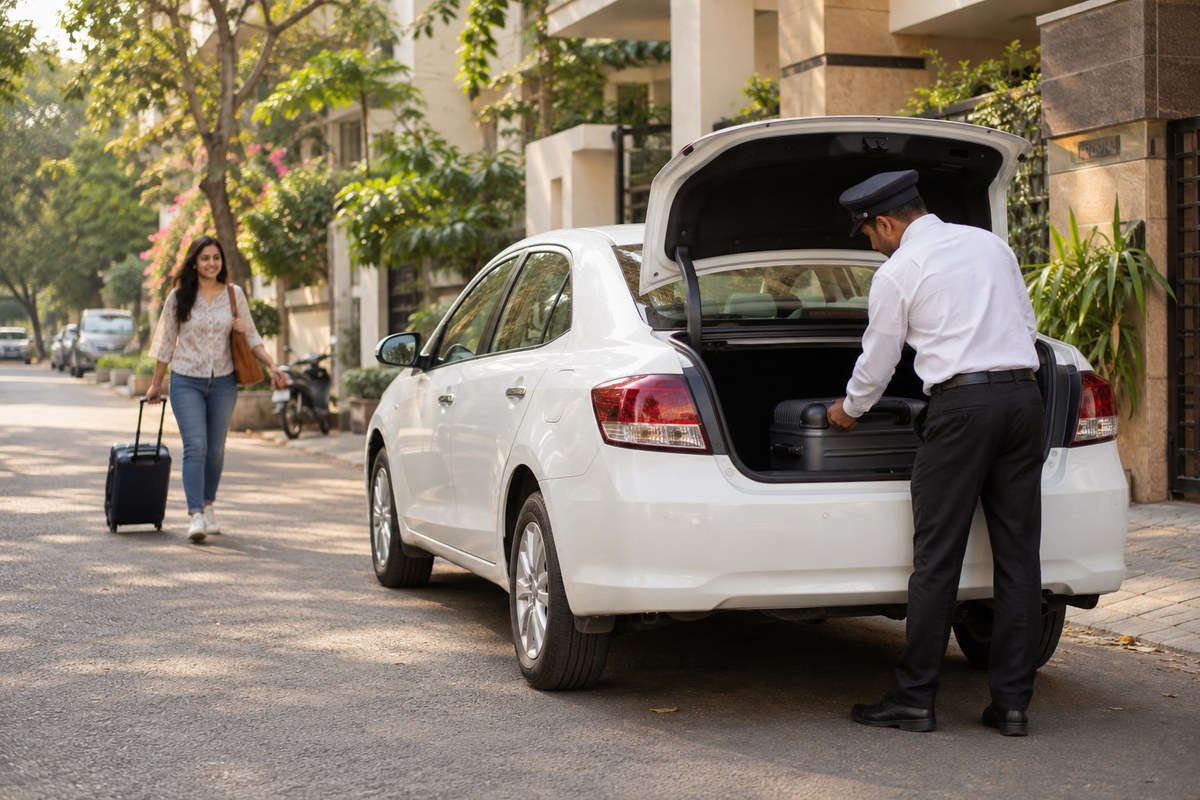
Kynzora can be opened on a phone or computer browser, so there is nothing to install before you submit a booking. Sign in when you want confirmed trips grouped under My trips. This is particularly handy for a return journey, a flight pickup, or a trip someone else has booked on your behalf.
After the trip is confirmed
Check the pickup time, pickup point, phone number and vehicle request before travel day. If the plan changes, update the booking details or speak with dispatch as early as you can. A gate number, hotel entrance, terminal or luggage change is much easier to handle before the car is due.
Book Now on Kynzora
Match the car to the trip
For a light intercity run, a Sedan may fit the plan. An Ertiga or Crysta is worth discussing when the group has more bags or wants extra cabin room. For larger groups, ask about a Tempo Traveller. The booking form starts the conversation; the trip details make the recommendation useful.
Submit your next journey through Kynzora App booking.
Questions travellers ask
Frequently Asked Questions
Do I need to download Kynzora?+
No. You can open Kynzora in a phone or computer browser and submit a booking without installing an app.
Can I book a Pune Airport transfer in Kynzora?+
Yes. Select the airport transfer option and add the flight or terminal details, pickup point, travel time and contact number.
Can I keep my cab bookings in one place?+
Sign in to Kynzora to keep confirmed bookings under My trips.