Pune to Mumbai Cab Booking App: Fare, Cars & How It Works
Book a Pune to Mumbai cab with Kynzora. Compare one-way fares from ₹2,800, toll inclusions, car options and the steps to confirm your pickup.
✦ Key Takeaways
- ✓Kynzora lists Pune to Mumbai one-way fares from ₹2,800 for a Sedan.
- ✓Toll is included for Sedan, Ertiga and Crysta on the published Pune to Mumbai route.
- ✓Use the browser-based Kynzora App to enter the trip, vehicle preference and contact details.
To book a Pune to Mumbai cab, enter your pickup address, Mumbai destination, travel date and time in the Kynzora App, then choose a car for your passengers and luggage. Check the total fare and inclusions before paying, and keep the booking confirmation handy. This guide explains the booking steps, vehicle choices and pickup details to confirm. A Pune to Mumbai cab is usually booked around a real constraint: a meeting in BKC, a family arrival, a train connection, or a late change of plan. The useful questions are practical ones. Which car fits the bags? Is the toll part of the fare? What should you keep handy once the trip is confirmed?
For the current route details, start with the Pune to Mumbai cab page. The Kynzora App gives you a place to submit the booking and keep the trip information together. Vehicle and driver details follow the confirmed booking process.
Published one-way fares for Pune to Mumbai
Kynzora’s published one-way rate for a Sedan is ₹2,800. An Ertiga is ₹3,300 and a Crysta is ₹5,500. The Tempo Traveller rate is ₹17,000. Toll is included in the published Sedan, Ertiga and Crysta route fare. Airport parking, where it applies, is charged at actuals.
Before paying, confirm the full pickup and drop addresses, car category, total fare, parking charges and cancellation terms. Share extra stops or large bags in advance so dispatch can confirm a suitable vehicle.
Choose the car around the people and the bags
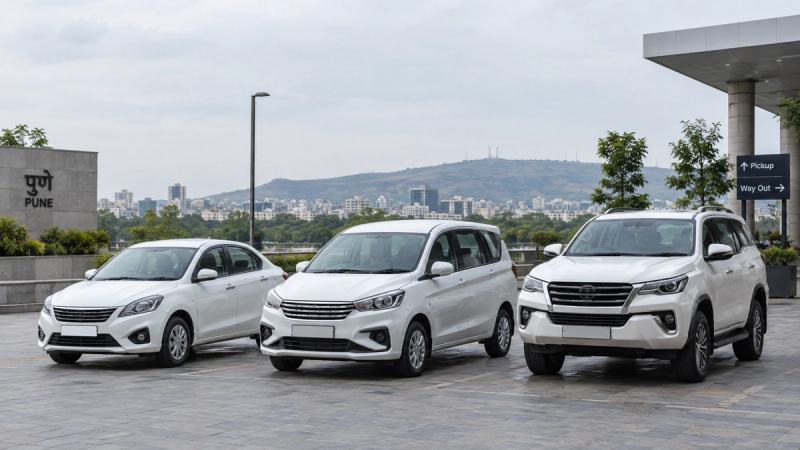
A Sedan is a sensible starting point for a light-travel couple or a small group. If the rear seat and boot will be working hard, an Ertiga usually gives a family more breathing room. A Crysta suits travellers who want a roomier cabin for a longer ride. The most expensive option is not automatically the useful one; luggage and passenger comfort are the deciding factors.
Book the route in the app
Open Kynzora in a phone or computer browser, select the journey type, add the pickup and drop details, then choose the date and time. Add a vehicle preference and a working phone number. Sign in if you want the booking kept in My trips.
Once the booking is confirmed, use the trip page for the information you may need on travel day. If you have a special request, such as extra luggage or a different pickup landmark, put it in the booking notes or speak with dispatch before the trip.
What to have ready on travel day
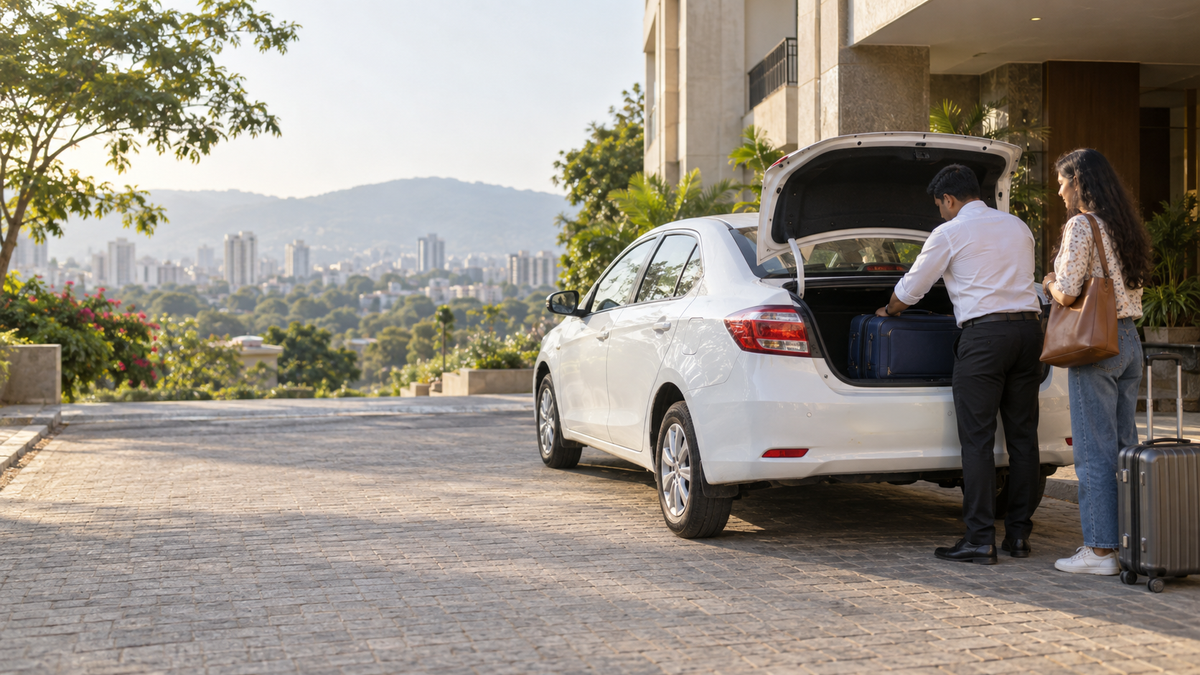
Keep your booking reference, pickup landmark, drop address and a working phone number ready. Recheck the date and pickup time, especially for journeys just after midnight. Ask when driver and vehicle details will be shared, and save the dispatch contact. If your pickup changes, inform the team before departure. For a flight, confirm the airport name and terminal from your ticket, then allow time for road delays and the airline’s reporting requirements.
Ready to choose a car? Open Kynzora App booking and enter your Pune to Mumbai trip details.
Questions travellers ask
Frequently Asked Questions
Is toll included in the Pune to Mumbai cab fare?+
For the published Pune to Mumbai Sedan, Ertiga and Crysta fares, toll is included. Airport parking is separate where applicable and charged at actuals.
Which car should I choose for five people?+
Start with the luggage count. An Ertiga or Crysta may be more suitable than a Sedan when several passengers are carrying larger bags. Confirm the requirement when you book.
Do I need to install an app to make a booking?+
No. Kynzora works in a browser on a phone or computer. Signing in helps keep confirmed trips together in My trips.