
Room prices up front
Open any stay to compare its rooms before you book.
Kynzora by KP Travels
Kynzora is a hotel booking app from KP Travels. Search by city, check-in and check-out dates and guests, open a hotel to see room prices, then book and pay in the app. Hotels without online rates show Book by phone, so you can call to book instead.


Free to install on Android and iPhone. Also works on web.
Last updated:
Enter a city, check-in and check-out dates and guests.
See room prices and details for that stay.
Choose a room and add guest details.
Pay in the app, or call to book if the hotel has no online rate.
Open any stay to compare its rooms before you book.
Stays without online rates show Book by phone with a clear call action.
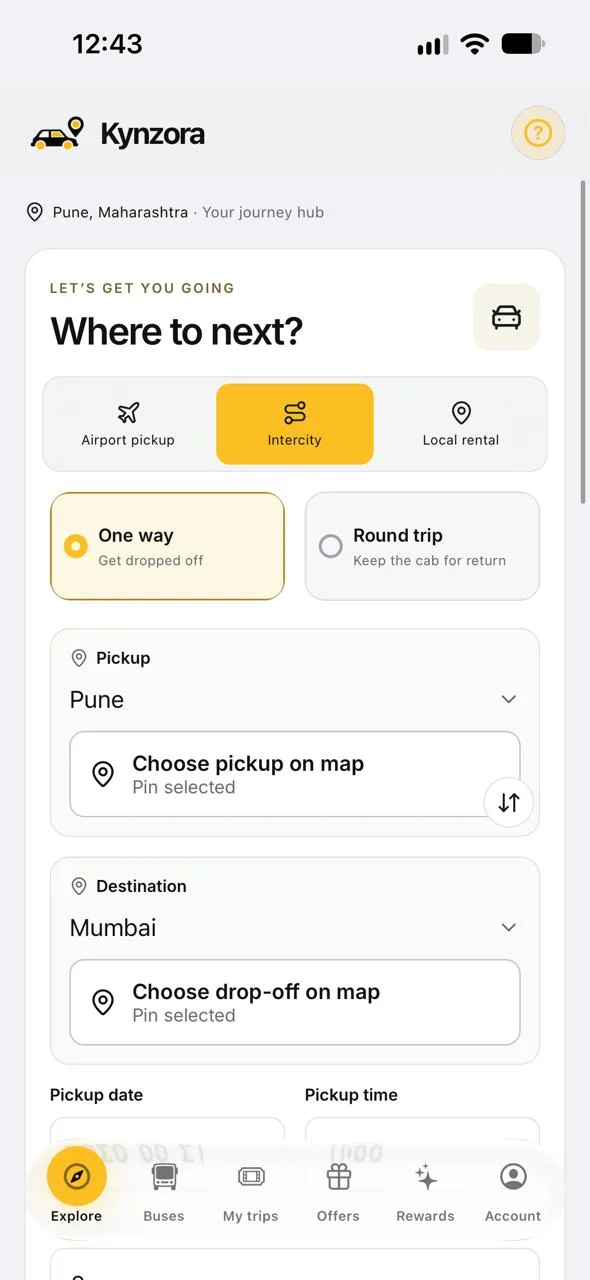
Book the airport or outstation ride to your hotel in the same app.
Your stays and rides live side by side in My trips.
Search by city, check-in, check-out and guests, open a hotel to see room prices, then book and pay.
It shows Book by phone. Tap Book Now to reveal the number and call KP Travels to book.
Yes. Hotels and Villas are separate sections with their own search.
Pay in the app through Razorpay: UPI, cards and net banking.
Bus booking and local city cabs are coming soon.
Open the Kynzora app, or talk to the KP Travels team in Pune.