Cab Booking App: Compare Pune–Mumbai Rides & Fares
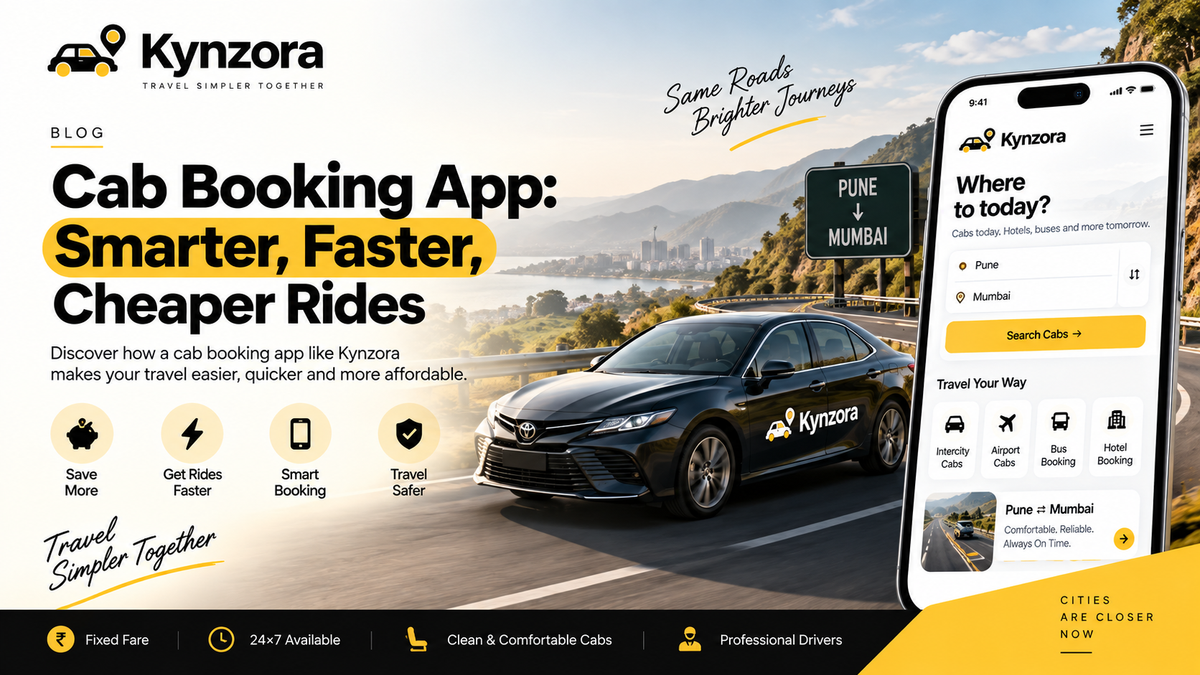
Use a cab booking app for Pune–Mumbai travel with clear trip details, total fare checks, suitable luggage space and an acknowledged booking confirmation.
✦ Key Takeaways
- ✓Compare total fare, inclusions and vehicle options before booking.
- ✓Select one-way travel when you do not need a return journey.
- ✓Leave a comfortable time buffer for Pune to Mumbai airport trips.
A cab booking app helps you submit a journey, but the most useful screen is the one that makes the trip clear: exact addresses, date, pickup time, vehicle, total fare and confirmation status. For a Pune to Mumbai cab or Mumbai to Pune taxi, compare the complete service rather than the speed of the booking form.
Choose the right journey type first
A city ride, hourly rental, private intercity drop and shared-seat booking are different products. Select one-way if you only need a transfer. Request a round trip or rental if the car must wait, visit several places or return with you.
For an airport journey, enter the airport and terminal from your current airline booking. “Mumbai” is not a precise airport destination. If you need Mumbai Airport to Pune after a flight, include the flight details and confirm pickup coordination.
Compare total fares using the same trip
Use identical addresses, travel time, passenger count and car category across quotes. Check tolls, parking, waiting, extra stops, payment and cancellation terms. For a retained vehicle, also compare included hours, kilometres, driver allowance and overnight charges.
A discount is useful only after you know the payable total and conditions. A private cab's per-vehicle fare should not be compared with a shared cab's per-seat fare as if they describe the same journey. Check the Kynzora fare card for published rates.
Read the confirmation status carefully
A submitted request, payment receipt, confirmed reservation and driver assignment can be separate stages. Ask what the current status means, when driver details should arrive and who can help during your pickup hours. Keep the reference and written terms accessible.
Select the vehicle around passengers and bags
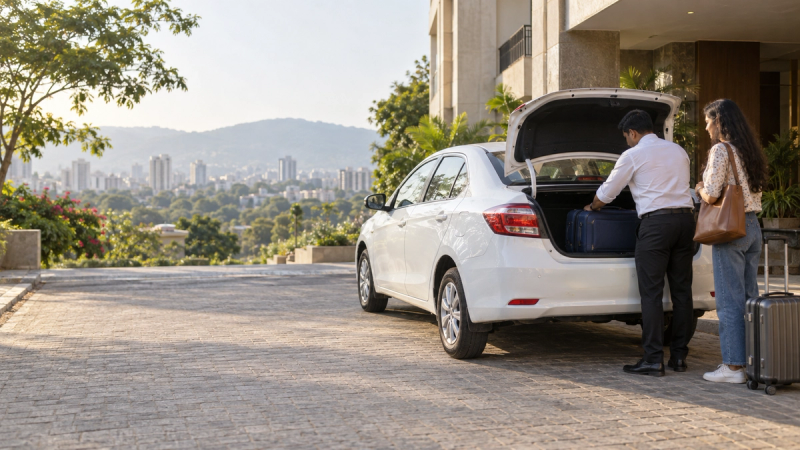
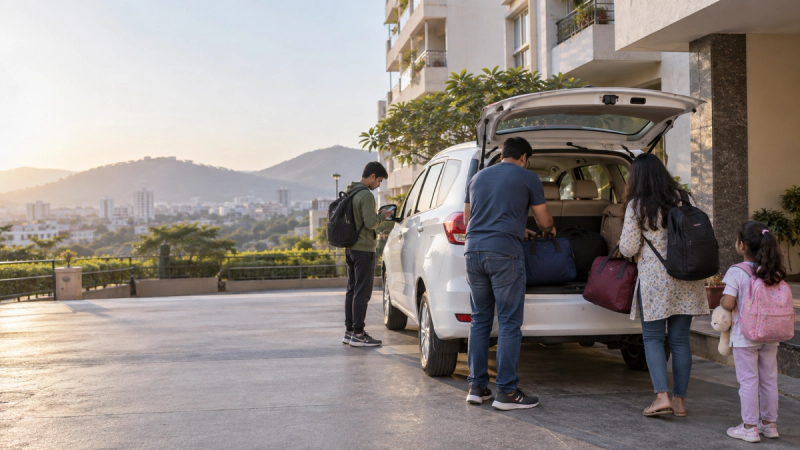
Seat count alone does not establish luggage capacity. List checked suitcases, cabin bags, strollers and other bulky items. Confirm a specific model if it matters; a broad category may permit alternatives. Raise accessibility or child-seat requests before paying and wait for confirmation.
A practical Pune–Mumbai online booking checklist
- Enter the building entrance and pickup pin.
- Specify the final Mumbai or Pune address.
- Check the calendar date, particularly after midnight.
- Choose the trip type and suitable vehicle.
- Review the final fare, inclusions and terms.
- Save the confirmation and dispatch contact.
Before the car arrives
Review current road conditions and allow a realistic buffer for important appointments. Match the driver and registration with your booking before boarding. Tell the operator promptly if the pickup, flight or destination changes; a sent request does not establish that a revision is accepted.
Which app is cheapest?
Compare the same itinerary and complete charges. No headline discount establishes the lowest total for every traveller.
Can I book my return separately?
Yes, request Mumbai to Pune or Pune to Mumbai with its own date and addresses. Do not assume the first transfer includes a return.
Start with Kynzora by KP Travels or our Pune to Mumbai booking guide. For assistance, call +91 90116 16565 with your itinerary.
Save a booking record you can use offline
After confirming, keep the trip reference, pickup time, complete addresses, vehicle category, payment record and dispatch contact together. If your phone loses data at pickup, you should still be able to identify the trip and contact the team.
When a booking screen shows a status you do not understand, ask what remains before the journey is confirmed. Check whether a requested pickup revision has been accepted and whether a new fare applies. Treat the latest acknowledged confirmation as the travel plan rather than combining details from several different screens or messages.